Histogram Mode
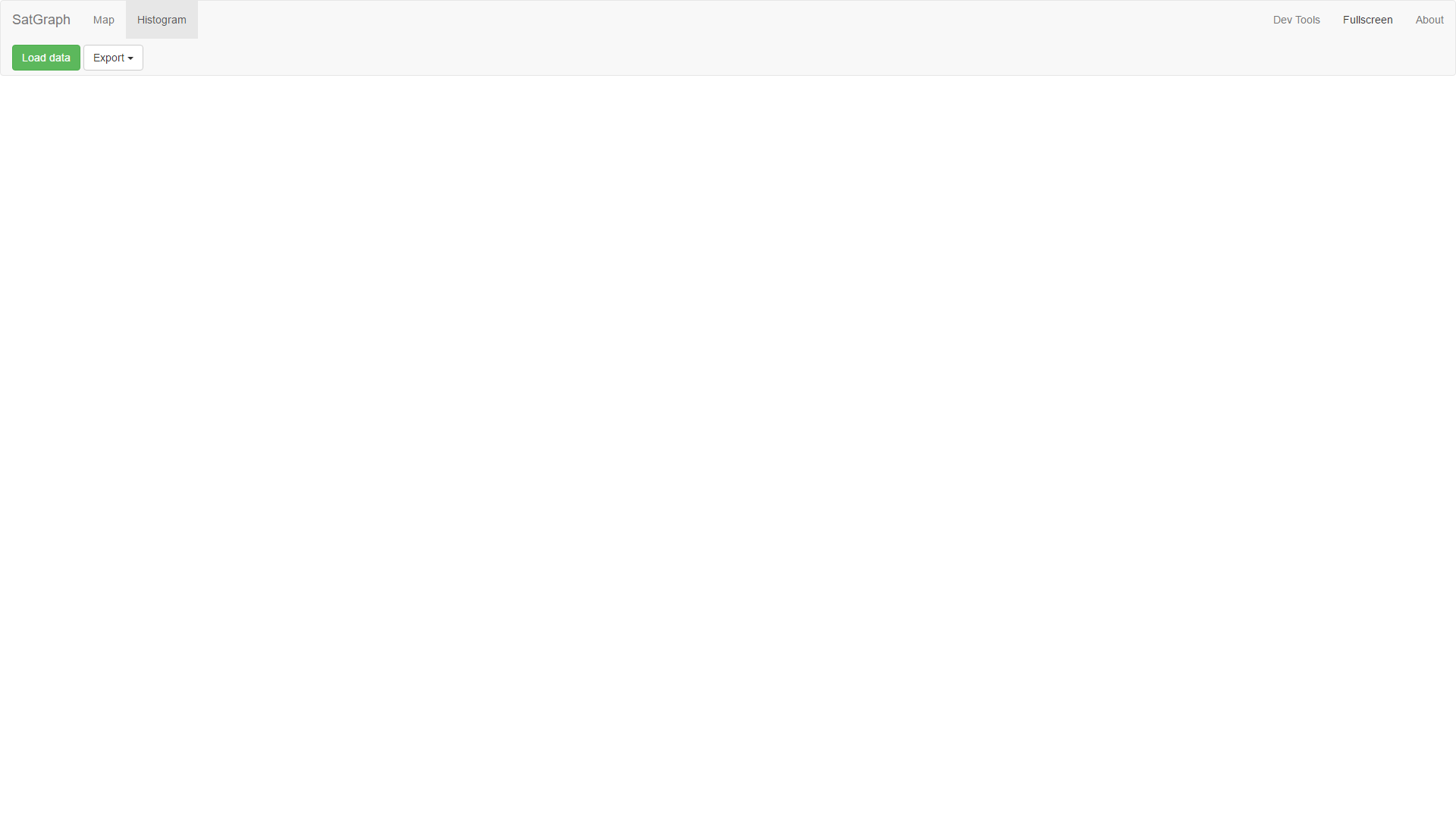
After selecting Histogram mode you will be presented with the following screen.
Histogram
Histogram can be adjusted by:
- Scrolling - alters the scale of the histogram
- Mouse drag - alters the position of the histogram on the
xaxis.
Control panel
Every viewing mode has its own control panel.

Load data
This button will open dialog for selecting source file. Please select you histogram file. After loading the data a histogram will be displayed on screen.

Export
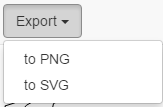
These list buttons are used for exporting images from the application.
- SVG - Exports image to vector format. Please note that the file size may be huge.
- PNG - Exports image to PNG format. Resulting images is scaled twice the current size. Please note that export to PNG may take a while.